LinkedIn Comment Strategy: How to Grow Followers Without Posting More
A practical comment strategy for LinkedIn in 2026 — where to comment, what to write, and how a 20-minute daily habit turns other people's reach into followers.
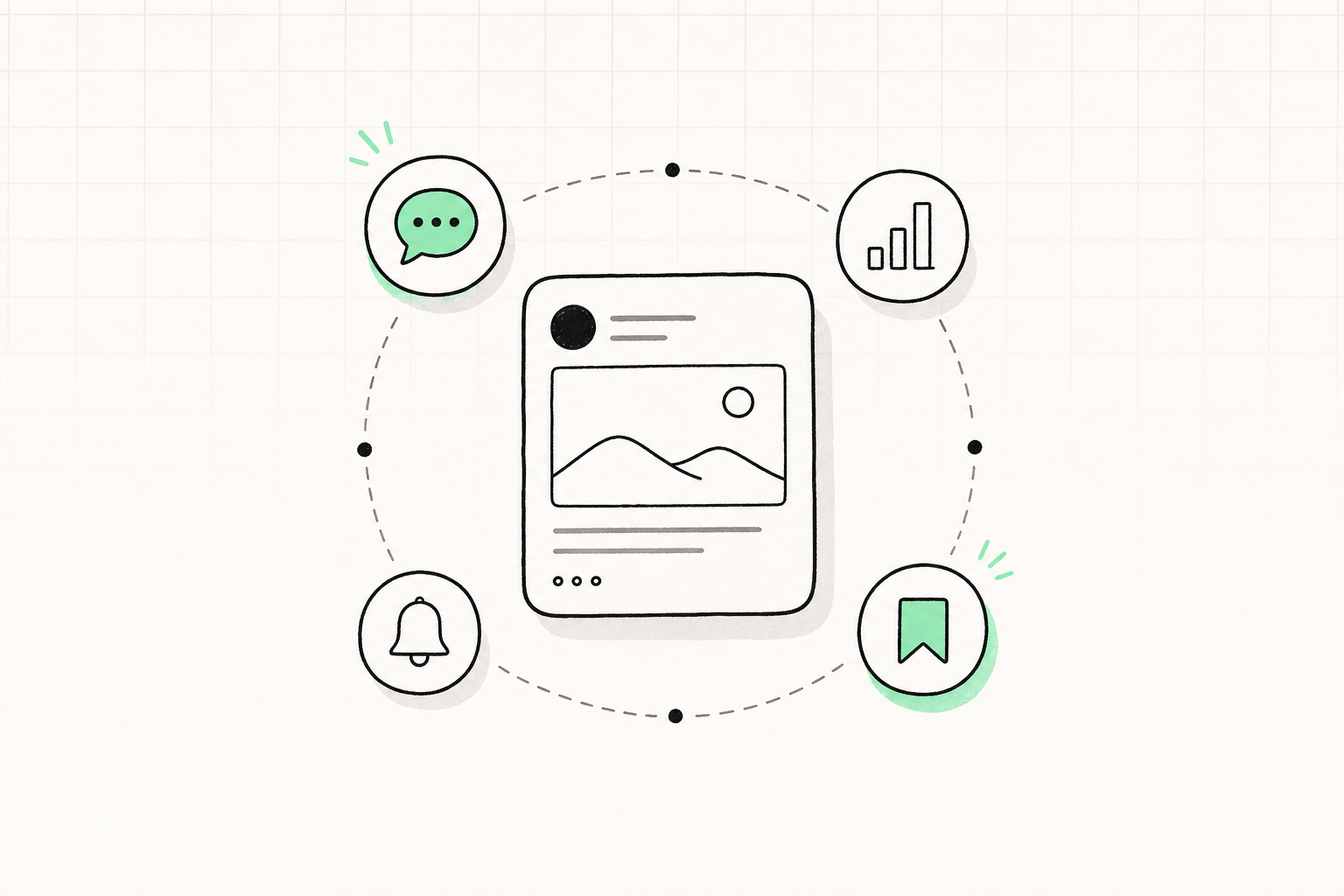
Most people treat LinkedIn comments as politeness. "Great post." "This." A fire emoji. Then they wonder why nobody visits their profile.
A comment is a free ad placed on someone else's distribution. The post already has reach. Your job is to be the reply worth clicking.
This is the habit that grew a lot of the free follower tactics in the first place — and it works even on weeks you only publish twice.
Why comments move the follower count
LinkedIn shows your name and headline under every comment. If those two lines are clear, a stranger can decide in a second whether to open your profile. If the comment itself is useful, they often do.
Comments also feed how the algorithm actually works: meaningful replies keep a post in circulation, and people who talk to you are more likely to see your next post.
Buying that kind of attention does not work. Buying followers inflates the number and kills the engagement rate comments are supposed to raise.
The 20-minute daily loop
- Pick 15–25 accounts in your niche who already reach your buyers. Not celebrities. Practitioners one or two rungs above you.
- Comment before you post. Fifteen minutes of real replies warms the graph so your own post is not arriving from a cold account.
- Stay for the first hour after you publish. Reply to everyone on your post, then drop two more comments on the same list.
- Stop at 8–12 comments. After that, quality falls and you start writing filler.
Do this on the days and times your audience is actually online. Early replies on a big post get seen. Late "great insights" do not.
What to write (and what to skip)
Skip: "So true." "Love this." "Congrats!" "Following for more." Those are wallpaper.
Write one of these instead:
- A specific add-on. "We tried the opposite on a 12-person sales team and the reply rate dropped until we cut the first line."
- A clean disagreement. "I'd flip step 2 and 3 — the hook dies if the story comes first."
- A question that continues the thread. Not "What do you think?" Ask about their example.
- A named result. One number from your week beats a paragraph of theory.
If you could paste the comment under a different post and it would still fit, it is not a comment. It is a signature.
Your headline has to finish the job. "Marketing Professional" next to a sharp comment still loses the click. "I help B2B founders turn LinkedIn comments into calls" does not.
Where to comment
- Posts that are 0–90 minutes old, with a few real replies already — the thread is alive.
- Authors whose audience matches the people you want. A viral post outside your niche is entertainment, not distribution.
- Carousels and text posts more than link posts. People linger; your reply gets read.
Avoid engagement-bait ("comment YES for the PDF"). Those threads are full of people performing. Your thoughtful paragraph gets buried.
Turn a profile visit into a follow
The comment earned the click. The profile has to close it: one-line who-you-help, a Featured post that looks like the comment they just liked, and a recent post they can finish.
If you do not know what to publish next, use what to post in the first 90 days and steal a structure from the free post templates.
A week you can actually keep
| Day | Comments | Your post | |---|---|---| | Mon / Wed / Fri | 10 before, 5 after | One value post | | Tue / Thu | 8–10, no post | Replies only | | Weekend | Optional 5 | Only if you have something real |
That is enough. Commenting is not a second job. It is the cheapest way to borrow reach until your own posts start compounding.